Streamer Branding Guide: Design Your Name, Logo, and Banner
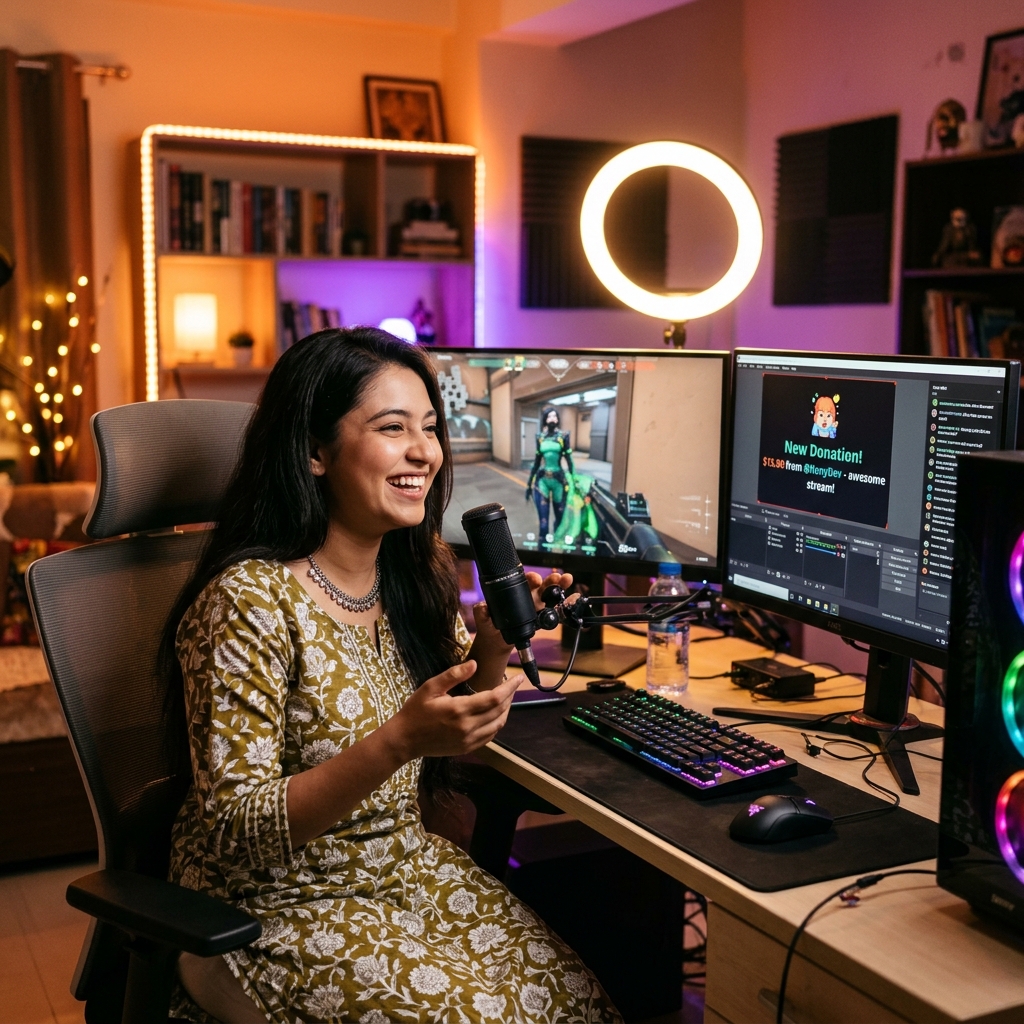
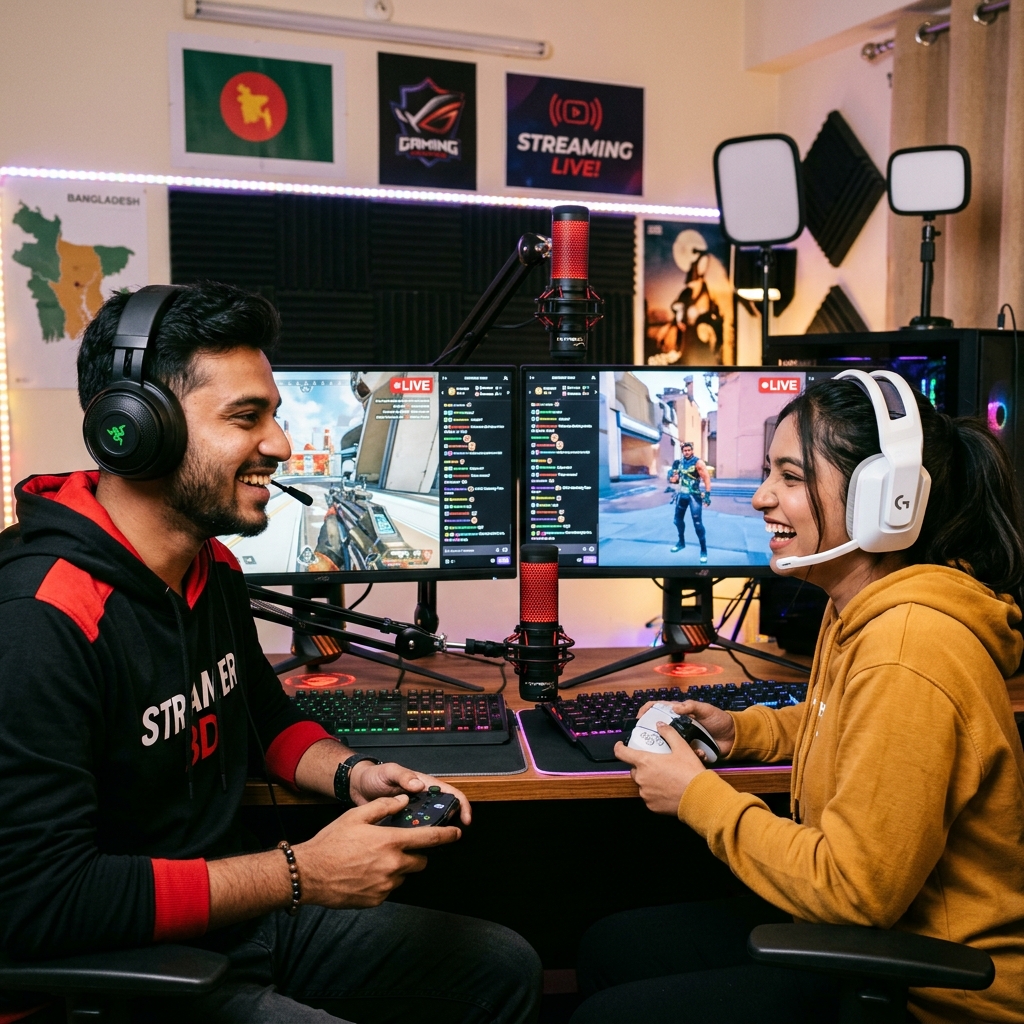
Turn your live stream channel into an unforgettable brand. Learn the simple steps to design your name, logo, banner, and overlays as a content creator.

In a sea of thousands of streamers, why should viewers remember your channel? The answer is branding. Alongside great gameplay or engaging commentary, a recognizable name, fitting logo, and polished banner make you stand out. This step-by-step guide walks you through building your unique brand identity.
Why Is Branding Important?
Branding is far more than just pretty visuals; it shapes how viewers perceive and remember you. When an audience instantly recognizes your logo, signature colors, or name, they keep coming back, share your stream with friends, and feel excited to support you. Sponsors and brands also prioritize channels that look polished and professional.
- Viewers remember you effortlessly
- Your channel looks professional and trustworthy
- Increased opportunities for sponsorships
- Builds a strong sense of community among your fans
Step 1: Choose the Right Channel Name
Your name is your first impression. A great streamer handle should have the following qualities:
- Short & Memorable: When it is easy to spell and pronounce, word of mouth spreads faster.
- Unique: Search Google and social media platforms to ensure no one else owns it.
- Consistent Across Platforms: Keep the exact same handle across Facebook, YouTube, TikTok, and Discord.
- Future-Proof: Avoid tying yourself to a single game title; pick a name broad enough to fit any content evolution.
Step 2: Design Your Logo and Profile Picture
Keep your logo clean and simple. Ensure it remains sharp and recognizable even at tiny sizes, like in a live chat avatar or on a mobile phone screen. Sticking to two or three cohesive colors works best.
Simple Ways to Create a Logo
- Design it yourself using free tools like Canva or Photopea.
- Hire a local freelance designer if you have the budget.
- Save files with a transparent background (PNG) so they easily integrate into OBS Studio.
- Never use copyrighted artwork or rip off someone else's logo.
Step 3: Define a Color Palette and Font Style
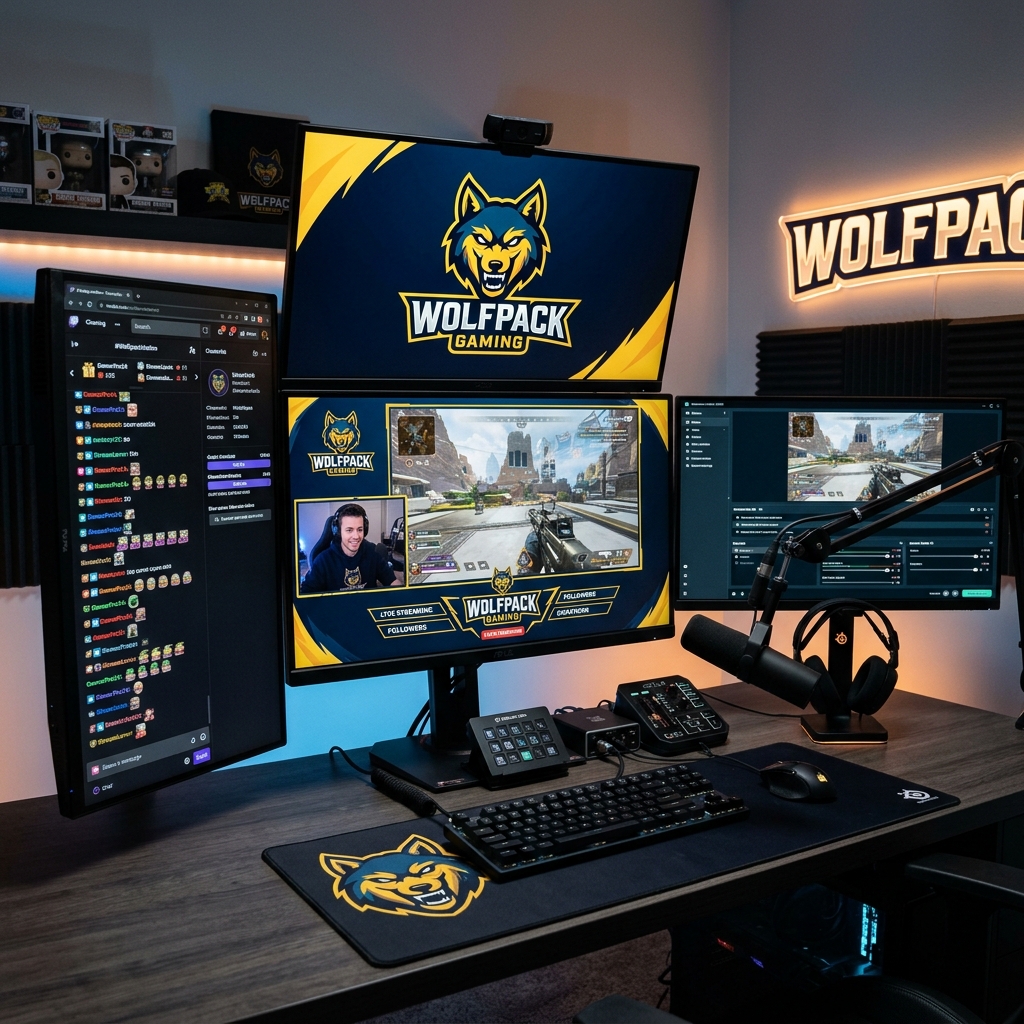
Pick one primary color and one or two complementary accent colors. Similarly, choose one or two consistent fonts. Applying the same color scheme and typography across your logo, banner, thumbnails, overlays, and stream alerts binds your channel together into a cohesive brand. High-contrast combinations work best on dark backgrounds, so prioritize readability above all else.
Step 4: Craft Your Channel Banner and Cover Art
Your banner should clearly display your channel name, content focus, and your streaming schedule—for example, "Live Every Fri & Sat at 9 PM". Banner dimensions vary across platforms, so design tailored sizes for each and keep crucial text centered in the safe zone so it does not get cropped on mobile devices.
Step 5: Set Up OBS Overlays and Stream Screens
What viewers see on stream is the core of your real-time brand identity. Style your webcam frame, name tags, social handles, and tip links in a unified design. Avoid cluttering the screen; your gameplay or primary content should always take center stage. To let viewers support you effortlessly, display your profile link from Superchat BD on your overlay or stream panels.
Step 6: Cultivate Your Voice and Personality
Branding is not just graphic design; it is also your persona. A signature stream intro greeting, a dedicated nickname for your community (like "Squad" or "Family"), and authentic catchphrases make your audience feel at home. Embrace your genuine personality instead of trying to copy someone else.
Step 7: Maintain Consistency Across All Channels
Keep your profile picture, bio, links, and color scheme unified across every platform. Write a concise one-line bio introducing yourself along with your support links. Following a regular streaming schedule builds a viewing habit, which is one of the most powerful brand-building foundations. Moreover, maintaining a polished profile on Superchat BD makes it seamless for fans to send instant tips and support your journey.
Common Mistakes to Avoid
- Changing your name and logo too frequently
- Using too many conflicting fonts and colors
- Using blurry, low-resolution graphics
- Copying other creators' designs or artwork
- Cramming banners with overwhelming text
Quick Starter Checklist
- Pick a unique, memorable channel name
- Select your logo and two signature brand colors
- Design cohesive banners and profile avatars
- Match your OBS overlays to your brand aesthetic
- Align your bio and support links across every platform
Tackling these elements step by step will transform your stream into a standout brand within weeks. Remember, patience and consistency are the real keys to long-term branding success.
Frequently Asked Questions (FAQ)
Do I need a big budget for branding?
Not at all. You can design clean, high-quality logos and banners using free tools like Canva or Photopea. As your stream revenue grows, you can invest in custom work from professional designers.
Is it a good idea to change my channel name?
Avoid it unless absolutely necessary. Rebranding your name can confuse returning viewers. If a name change is unavoidable, announce it well in advance to your community.
How many colors should be in a logo?
Typically, two to three colors are ideal. This keeps the design clean, legible, and versatile across multiple platforms and screen sizes.
Do small streamers really need branding?
Absolutely. Establishing a consistent identity from day one helps new viewers recognize you immediately and makes landing brand sponsorships much easier later on.