Live Stream Titles and Thumbnails: The Ultimate Guide to Getting More Viewers
Learn how to craft captivating stream titles and eye-catching thumbnails that boost your click-through rate. Essential rules, examples, and tips for Bangladeshi creators.

Even with fantastic content on your live stream, you might still struggle to attract viewers. Often, the issue isn't what happens during your broadcast—it's the first impression made by your title and thumbnail. Whether you stream on Facebook, YouTube, or TikTok, audiences judge your stream in a split second before deciding to click. This comprehensive guide breaks down simple, actionable strategies designed for Bangladeshi live streamers to build high-converting titles and thumbnails.
Why Are Titles and Thumbnails So Crucial?
As users scroll through their social feeds, they decide whether to drop into a stream within just a couple of seconds. That split-second choice boils down to two things: what the stream is about, and how visually compelling it looks. The more clicks your stream generates early on, the more the platform's algorithm pushes your broadcast to wider audiences. In short, better titles and thumbnails directly amplify your reach—and more engaged viewers translate to greater support, superchats, and tips.
5 Rules for Writing Winning Stream Titles
1. Clearly State What Is Happening
Vague titles like "Live Hangout" give viewers zero reason to stop scrolling. Instead, try something specific like "Free Fire Rank Push: Grinding for Grandmaster Today!" Viewers instantly know the stakes and what to expect.
2. Keep It Concise and Punchy
Long titles often get truncated on mobile screens. Aim for 40 to 60 characters so your entire title remains readable at a glance. Always front-load your most important keywords and exciting hooks.
3. Spark Curiosity Without Clickbaiting
Teasers like "Something crazy just happened!" might get a few curious clicks, but if viewers feel misled, they will leave immediately and never return. Make genuine promises in your title and deliver on them during the stream.
4. Highlight Consistency and Schedules
Phrases like "Live Every Night at 9 PM" build viewer anticipation and routine. When your audience knows your regular streaming hours, they actively look forward to your broadcast.
5. Use Targeted Search Keywords
Include specific game titles, event names, or discussion topics in your title because that is how audiences search for streams. Examples include PUBG Mobile, Free Fire, Cricket Analysis, or Live Cooking Sessions.
Proven Strategies for Designing Eye-Catching Thumbnails
- Resolution: Keep your canvas at standard 1280×720 pixels (16:9 ratio) so your graphics remain crisp and clear across all devices.
- Facial Expressions: High-energy, expressive facial close-ups naturally draw human eyes and boost click rates.
- Minimalist Text: Stick to 3–4 punchy words. Use bold, clean fonts that remain easily readable even on compact smartphone displays.
- Vibrant Contrast: Maintain high contrast between your background and foreground elements to make your focal point pop.
- Single Focal Point: Avoid cluttering the canvas with too many graphics, logos, or icons. A clean layout wins every time.
- Consistent Branding: Standardize your color palettes, fonts, and borders so followers instantly recognize your streams in their feed.
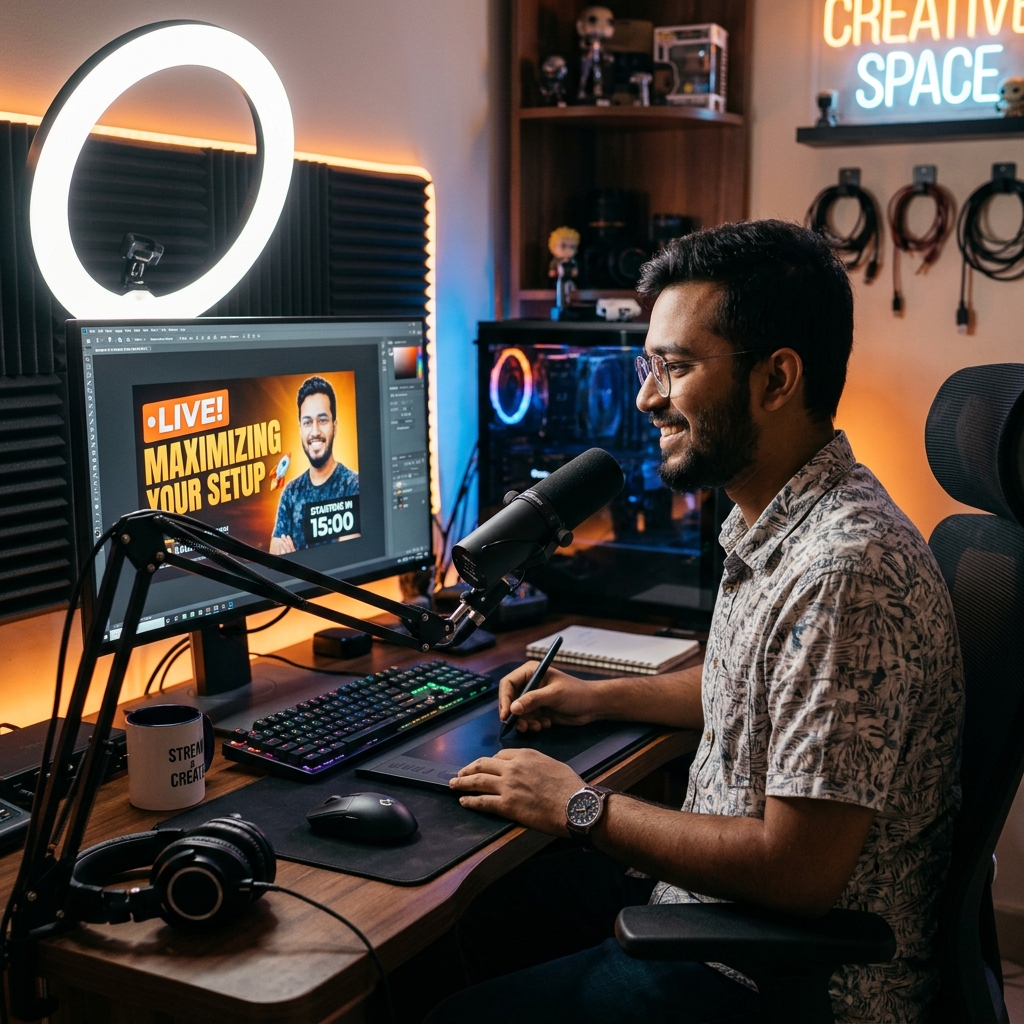
Free graphic design tools like Canva or Photopea are more than enough to create professional thumbnails. Design a reusable master template so you can quickly swap out backgrounds and headlines before going live.
Key Platform-Specific Nuances
- YouTube: Allows custom thumbnail uploads. Make sure to upload your graphic well ahead of your scheduled start time.
- Facebook: Both the title and the first few lines of your post description carry weight; put the core hook right at the beginning.
- TikTok: Short, punchy stream covers and curiosity-driven overlay text perform exceptionally well here.
Common Mistakes to Steer Clear Of
- Recycling the exact same title for every single stream.
- Using low-resolution, blurry, or pixelated images.
- Overloading your title with emojis or writing in ALL CAPS.
- Designing clickbait thumbnails that bear no relation to your actual broadcast content.
How to Turn Clicks into Creator Support and Tips
Getting the click is only step one; the first two minutes of your broadcast determine whether viewers stay. Warmly greet newcomers by name and outline the goals of today's stream. By integrating creator-first monetization platforms like Superchat BD, which natively supports local payment methods like bKash and Nagad, your audience can effortlessly send you tips and donations right from Bangladesh. The smoother the payment process, the more willing your fans are to support you.
A/B Test and Optimize Your Graphics
Experiment with two different thumbnail and title styles each week to discover what clicks best with your demographic. Track your peak concurrent viewers, average watch time, and click-through rates. Stick with what delivers results and iterate gradually. To convert even more viewers into supporters, optimize your profile on Superchat BD so fans who find you can easily back your journey.
Real-World Example: Before vs. After
Imagine you stream PUBG Mobile. Your previous title was simply "PUBG Live." That's generic and easily lost in a crowded feed. A significantly improved title would be: "PUBG Mobile Conqueror Push: 10 Match Chicken Dinner Challenge!" Here you have the game title, a clear objective, and an exciting challenge. Pair that with a thumbnail featuring your excited reaction, bold text reading "10 MATCH CHALLENGE," and dynamic in-game action.
The same logic applies to community chit-chat streams. Instead of "Just Chatting," frame it as: "Casual Hangout: How I Made My First Online Income + Live Q&A." This tells audiences exactly what value they will get and invites active participation, keeping them engaged for longer.
Pre-Stream Setup Checklist
- Verify that your title contains the primary topic and targeted keywords.
- Preview your thumbnail at mobile scale to verify readability.
- Add your schedule and social links inside the stream description.
- Plan your opening talking points for the first 3 minutes of the stream.
- Notify your followers on your stories or community page before going live.
Adopting these small habits consistently yields noticeable compounding results. Within just a few weeks, you'll see a marked improvement in both your click-through rates and average watch times.
Frequently Asked Questions (FAQ)
What is the ideal length for a live stream title?
Between 40 and 60 characters is ideal. This ensures your full title displays properly without truncation on mobile devices while keeping vital keywords up front.
What is the best resolution for stream thumbnails?
A resolution of 1280×720 pixels with a 16:9 aspect ratio is universally recommended across YouTube and Facebook. Keep your file size within the platform's upload limit.
What free tools can I use to design thumbnails?
Canva and Photopea are fantastic, free, browser-based tools. Setting up a reusable template will help you create high-converting thumbnails in minutes.
Does using clickbait titles help your channel grow?
While misleading clickbait might net a brief surge in clicks, disappointed viewers drop off quickly and rarely return. Authentic, high-curiosity titles deliver sustainable, long-term growth.
Always remember: your title and thumbnail serve as the front door to your live stream. An attractive entryway invites viewers inside, while engaging content makes them stick around and support your creator journey.