Live Streaming Payout Guide: How to Withdraw Your Creator Earnings
Learn how to verify tipping balances, submit withdrawal requests, and select the best payment methods to get your creator earnings smoothly into your mobile wallet.

The Stream is Over: How Do You Cash Out Your Earnings?
Staying up late streaming, interacting with fans, hitting tipping goals—the final milestone is where it really counts: getting that money into your hands. Many new creators receive tips but don't quite understand where their balance accumulates, when it can be withdrawn, or what mistakes cause payout delays. In this guide, we'll walk you through the entire step-by-step process—from verifying your balance to receiving money directly into your mobile wallet.
Step 1: Verify Your Tipping Balance
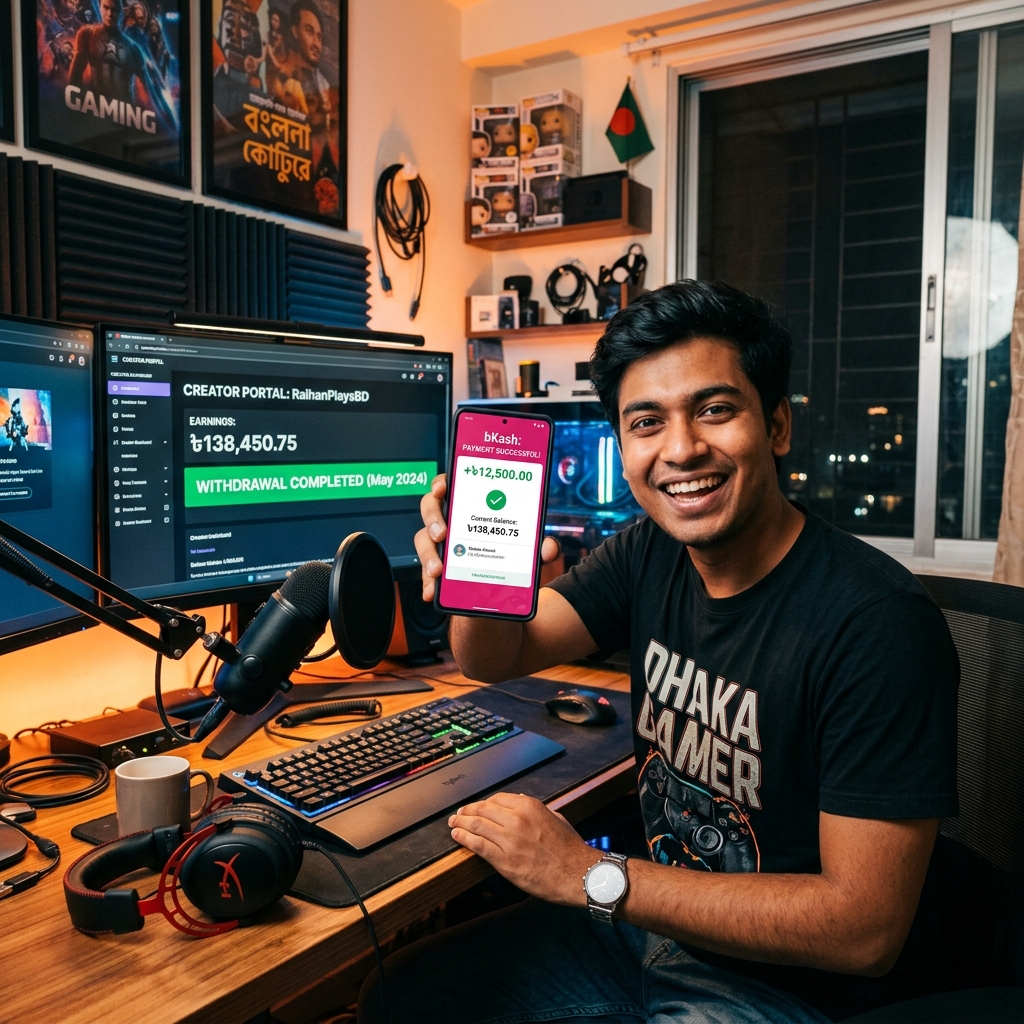
After wrapping up every live session, log into your dashboard and check the balance section. Here you will see: your lifetime earnings, amounts already withdrawn, and your current available balance for payout. Keep in mind that certain tip payments take a brief window to clear payment verification, so the entire amount might not be instantly available. This is completely standard procedure—nothing to worry about.
- Total Lifetime Earnings — Your all-time revenue (do not confuse this with what you can withdraw today).
- Pending Clearance — Earnings pending verification that will move to your available balance shortly.
- Available Balance — The exact funds you are eligible to withdraw right now.
Step 2: Keep Your Profile Payment Details Updated
Before initiating a withdrawal request, double-check that your payout details in profile settings are 100% accurate. A minor typo in your name, mobile number, or bank details can result in unnecessary delays. Most creators in Bangladesh prefer bKash, Nagad, or direct bank transfer. Whichever method you choose, make sure the account is registered in your own name and details are accurately provided. Never attempt to withdraw to someone else's account, as this will trigger compliance flags during verification.
Step 3: How to Submit a Withdrawal Request Correctly
Once your balance becomes available, navigate to the withdrawal/payout section of your dashboard, enter your desired amount, and submit the request. Most platforms enforce a minimum withdrawal threshold, so if your balance is below that limit, wait until your next stream to accumulate more. After submitting, track the status directly from your dashboard—every milestone from processing to completion is visible. Superchat BD keeps a comprehensive log of your payout history to help prevent accidental duplicate requests.
Common Reasons for Withdrawal Delays
- Incorrect name or mobile number in payout settings
- Failing to meet the minimum withdrawal threshold
- Incomplete account verification or KYC steps
- Submitting multiple simultaneous requests at once
Build the Habit of Keeping Financial Records
A simple yet essential habit for serious creators: archive monthly payout statements or transaction receipts in a dedicated folder. As your revenue scales, these records will prove invaluable for tracking monthly income and managing future tax or financial reporting. While casual streaming income rarely triggers administrative scrutiny, organized documentation guarantees peace of mind. Moreover, reviewing your monthly payout trends provides clear insights into your channel’s financial growth, helping you optimize your streaming schedule and content calendar.
Beyond Payouts: How to Consistently Grow Your Earnings
Managing payouts is simply the final step; your primary mission is maximizing tips during streams. Broadcast consistently, set clear tipping goals with fun viewer rewards, and cultivate authentic bonds with your community. On Superchat BD, streamers who invest in community building consistently see their monthly revenues rise—because tipping is ultimately an expression of fan appreciation that thrives on genuine engagement.
Frequently Asked Questions (FAQ)
What is the minimum balance required for withdrawal?
The platform sets a minimum payout threshold. You can check the current threshold alongside your available balance directly in the withdrawal section of your dashboard.
How long does it take to receive payment after requesting a withdrawal?
Payouts are typically processed within a few business days. Minor delays may occasionally occur due to routine verification or banking queues—keep an eye on your dashboard to monitor live status.
What should I do if my payment information is incorrect?
Update your details immediately in your profile settings and reach out to the support team if necessary. Refrain from submitting a new withdrawal request until your credentials are fully updated.
How many times can I withdraw in a month?
Any withdrawal frequency guidelines are detailed inside your creator dashboard. Most streamers find it most convenient and hassle-free to withdraw once or twice a month in consolidated batches.