How to Build a Winning Live Streaming Content Calendar
A practical guide for new creators on creating a weekly content calendar to maintain consistent streams, attract more viewers, and boost tipping income.


Live Streaming Content Plan: Growth Is Impossible Without a Calendar
Most new streamers in Bangladesh make the exact same mistake—streaming whenever they feel like it and skipping when they don't. The result? Your audience never knows when to tune in. In reality, streaming success hinges entirely on consistency and deliberate planning. In this guide, we will explore how building a weekly content calendar can turn your live streams into a serious, dependable source of income.
Why You Need a Content Calendar
A calendar is far more than just a schedule. It accomplishes three critical objectives for your channel:
- Trains the algorithm: Streaming at consistent hours signals to platform algorithms that your channel is active, prompting them to recommend your stream to fresh audiences.
- Builds viewer habits: When fans know you go live every Friday at 9:00 PM, they memorize your schedule and build a routine around attending your broadcasts.
- Prevents burnout: Having a pre-defined plan eliminates the daily dread of asking "what should I stream today?", allowing you to channel your full energy into engaging content.
Step 1: Determine a Realistic Streaming Frequency
Many creators dive in attempting to stream five days a week, only to burn out and quit after three weeks. Be honest with yourself—balancing studies, jobs, or personal life, how many days can you genuinely sustain? For beginner streamers, 2 to 3 days per week with 2 to 3 hours per session is ideal. It is far better to broadcast consistently for 2 hours three times a week than to stream sporadically for 30 minutes every day.
Step 2: Assign a Dedicated Theme to Each Day
Themed streaming schedules are proven to resonate best with audiences. For example:
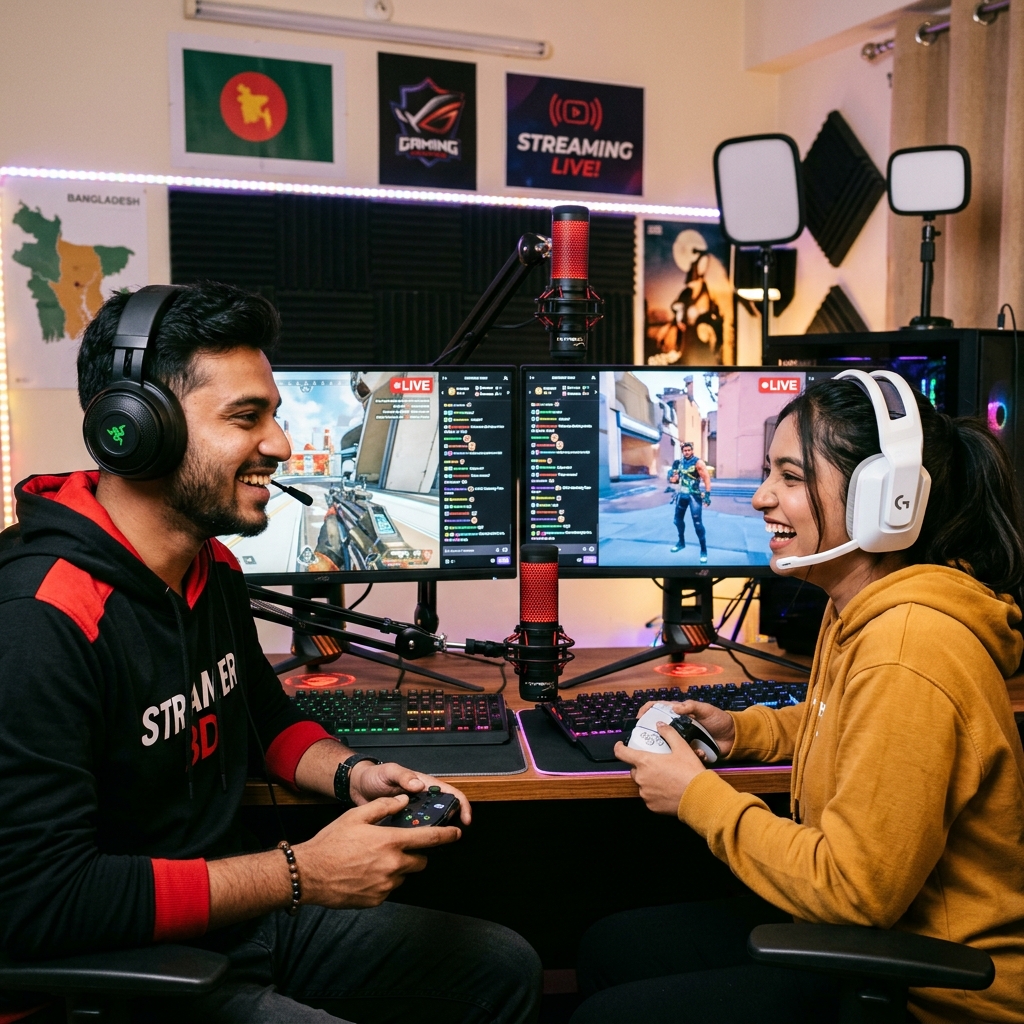
- Friday — Gaming Night: People want to unwind at the end of the work week, making it the perfect time for an extended gaming session.
- Saturday — Community Challenges or Tournaments: Play directly with your followers or host engaging community events.
- Tuesday — Chill Session: Relax with "Just Chatting", community Q&As, or ambient music sessions.
Having clear themes gives viewers a compelling reason to return on their favorite days and makes planning your broadcasts effortless.
Step 3: Plan Monthly Special Campaigns
In addition to your weekly baseline schedule, incorporate one or two signature events each month—such as a 3-hour mega stream, a milestone celebration, or a themed week. These tentpole events generate excitement and give prospective viewers who discover you via short clips a clear date to mark on their calendars. Begin promoting these events 7–10 days in advance to generate high organic reach without spending on ads.
Step 4: Repurpose Stream Highlights into Short-Form Videos
After wrapping up each stream, spend 3 to 5 minutes clipping the most memorable or entertaining moments. Turn these into 3–4 short-form vertical clips every week. Short videos are currently the single most powerful driver of new viewers to live broadcasts—one viral clip can send thousands of curious followers to your next stream. Always include dedicated slots for posting short-form clips in your calendar.
Step 5: Set Monetization Milestones
Align your content strategy with clear financial goals. For instance, aim for 50 regular viewers during your first month, followed by targeted live tipping goals once viewer support begins. For Bangladeshi creators, platforms like Superchat BD allow your audience to tip you directly during streams. Acknowledging each tip with custom on-screen alerts or personal reactions encourages other viewers to join in. Tipping income climbs steadily when your broadcast routine is predictable, because viewers naturally invest in creators who show up consistently.
A Sample Weekly Streaming Calendar
- Friday, 9:00 PM: Gaming Night Broadcast (2.5 hours)
- Saturday, 8:00 PM: Community Challenge or Tournament
- Tuesday, 9:00 PM: Chill Chat & AMA Session (1.5 hours)
- Mon / Wed / Thu: Post Short-Form Highlights (1 per day)
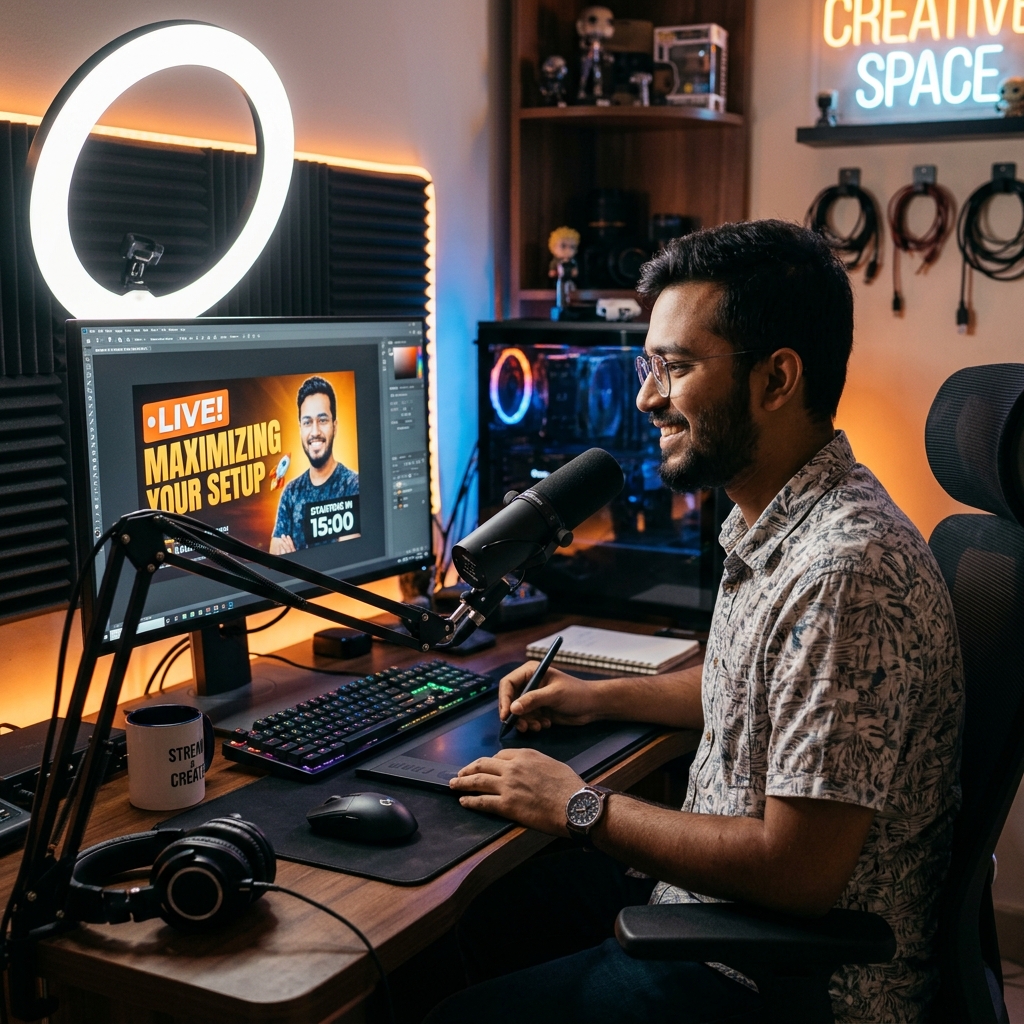
- Thursday: Finalize next week's content schedule + test audio/video setup
Feel free to adapt this framework to your personal availability—the key is taking 20 minutes at the end of every week to map out the next.
3 Rules for Sticking to Your Calendar
- Keep backup content ideas handy: When life gets hectic, have 2–3 low-effort backup formats ready (such as reaction streams or casual Q&As) so you never miss a slot.
- Track your performance metrics: Keep a quick log of concurrent viewership across days; within a few weeks, your data will clearly reveal which time slots work best.
- Reward yourself for milestones: When you execute your schedule without missing a session for an entire month, treat yourself—small rewards keep long-term creative motivation high.
Final Thoughts
Succeeding in live streaming is much less about raw luck and far more about disciplined routine. A clear content calendar, a reliable schedule, and a genuine bond with your audience create a foundation where audience growth and earnings follow naturally. If you are ready to monetize your broadcasts with direct live tipping, register on Superchat BD today and lock in the date for your next planned stream.
How many days a week should beginner streamers broadcast?
Starting with 2 to 3 days per week at 2 to 3 hours per session is ideal. Strict consistency across fewer days is vastly superior to sporadic, unpredictable daily streams.
How does income generation start in live streaming?
It starts by cultivating a dedicated core of regular viewers. From there, revenue flows through live tipping, viewer gifts, and community support. Platforms like Superchat BD make it simple for local audiences to send tips directly during broadcasts.
What elements must be included in a content calendar?
Your calendar should include stream dates and time slots, session themes, short-form video release schedules, monthly tentpole events, and a weekly planning session.
What should I do if I have to miss a stream?
Notify your community well in advance across social platforms and make sure you return promptly on your next scheduled date. Missing an occasional stream is normal, but repeated unannounced absences will quickly erode viewer retention.